How to make Offer Code mandatory and unique
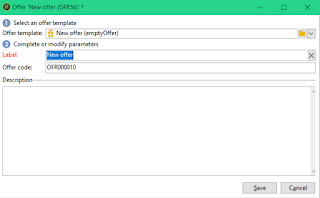
While working on a requirement on Adobe Campaign Classic, I got a requirement to make the offer code mandatory and unique. Initially it seemed to be an easy requirement as I can just create a unique key on the offer code field. But later realized that, every offer has another version of the same stored in the same schema nms:offer for the live environment. Adobe automatically creates the internal name as ogininalName_liveRcp while deploying the offer to the live environment (don't know how that is done yet, may be a post for future :)). But for other fields, it is copied as is and so is the offer code too. So unique key is not option. Then thought, if I add another field in the nms:offer schema for the environment and make the key with offer code + the environment. But same deployment problem, how do I set the env variable as part of deployment? So decided to go with the toughest but cleanest solution, SOAP call from input form. Here are the steps for the same. You can follow a...